Alshitask: a little room for big ideas
Tasks, notes, resources, and an AI-friendly workspace you can make your own. Start on your computer, bring an assistant, and connect to Alshival.Ai when you're ready to work with a team.
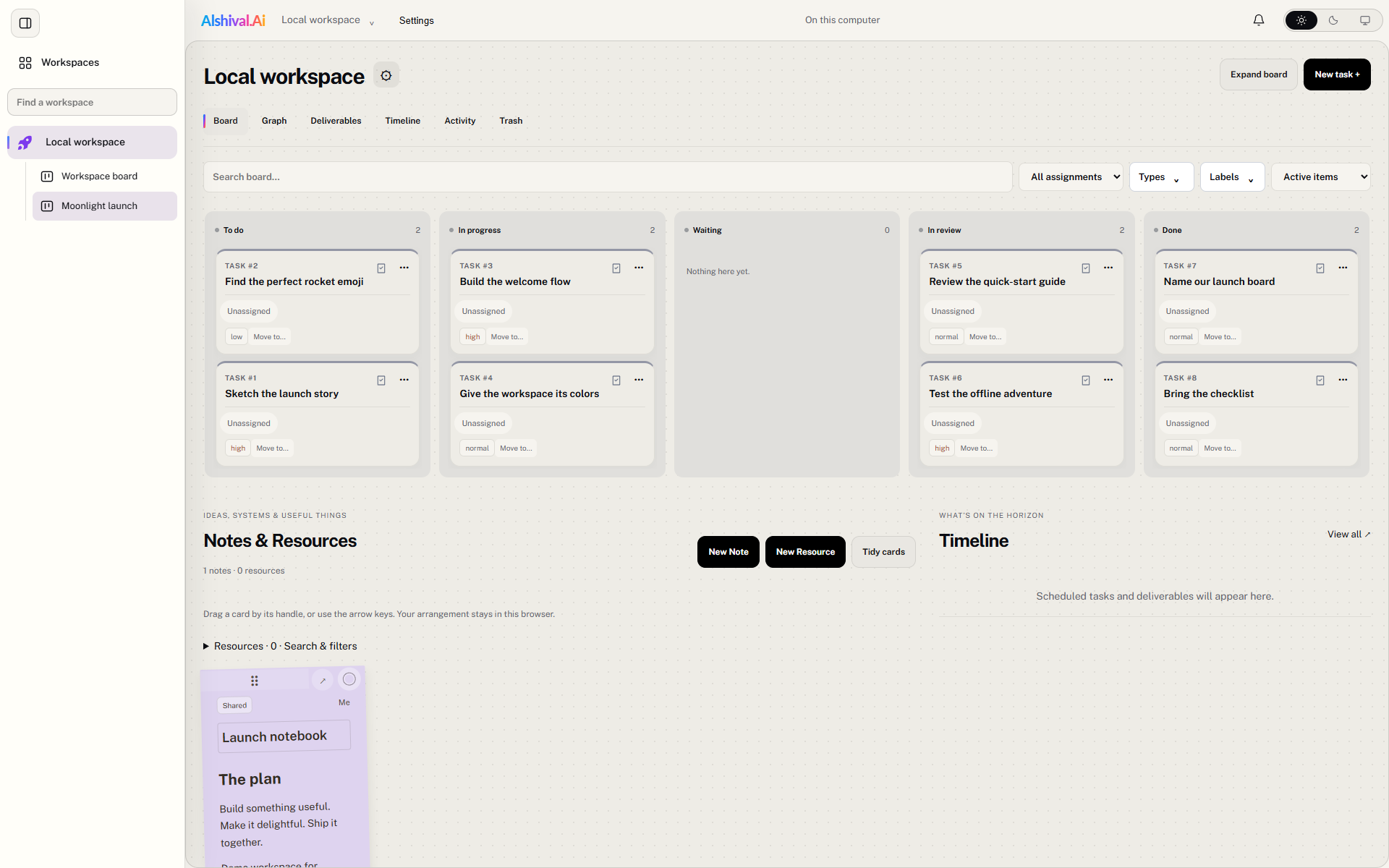
A real app screenshot with fictional demo content. Click any screenshot to open it at full size.
Pick your home base
| Your setup | Start here | Account needed? |
|---|---|---|
| Windows desktop | Install the .exe from GitHub Releases. |
No, for local work. |
| Ubuntu desktop | Install the .deb from GitHub Releases. |
No, for local work. |
| Your server or VM | Run the browser/server preview, then open it in a browser. | A separate owner password; portal connection is optional. |
| Hosted team workspace | Open Alshival.Ai. | Yes; collaboration follows your plan and workspace permissions. |
Windows x64 and Ubuntu amd64 installers are published today. There is no published macOS desktop installer; Mac users can use the hosted portal or a browser connected to a server instance.
Small cards, useful superpowers
- Move the work. Organize tasks on boards, set priorities, and follow progress through statuses.
- Keep the context. Put notes, attachments, and resources near the work they explain.
- Make it yours. Pick a colorful workspace icon and switch between light, dark, and system appearance.
- Bring an assistant. MCP lets a compatible agent read the board or make edits with the access you choose.
- Take it with you. Local desktop work stays available offline. Optional portal sync connects authorized workspaces.
Local use is standalone and open source. Paid membership adds hosted team collaboration; you do not need a subscription simply to run a local workspace. A self-hosted server has one owner and its own storage. It does not turn into a multi-user portal just because several browsers can reach it.
Take the scenic route
Try the board tour for a five-minute launch project, install the desktop app, or set up an assistant. When the team is ready, follow Connect and sync.
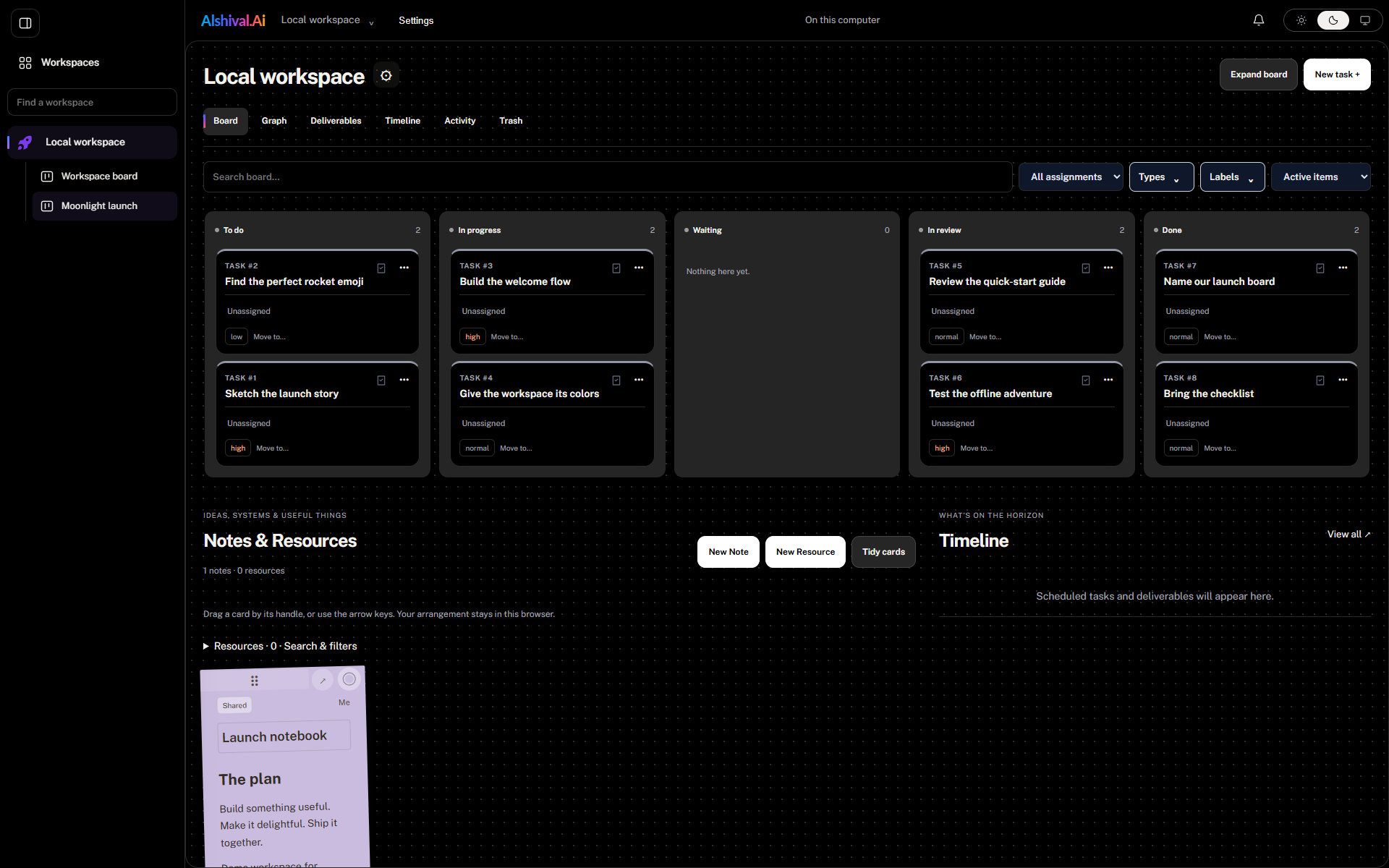
Same board. Night shift.